
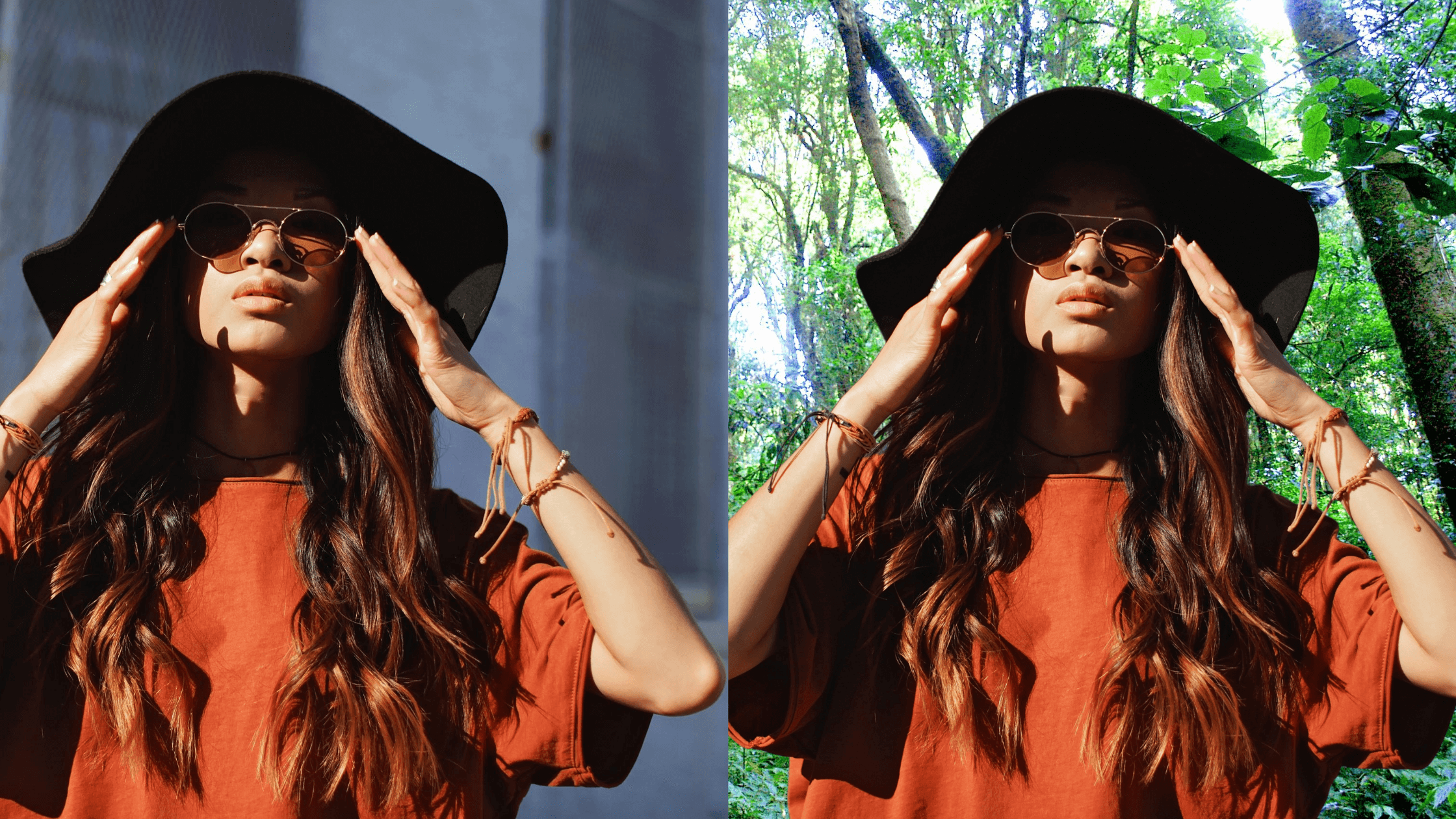
The easiest way to add background images from the library
Add background images from our library, combine them with your cutouts, and flaunt your creativity! Find out how to do it here.
Add background images from our library, combine them with your cutouts, and flaunt your creativity! Find out how to do it here.

You can edit like a professional even without an expensive computer set, sophisticated editing software, or degree in visual arts or digital media. All it… Read More »Edit Like a Pro By Using Object Tools

Our quick selection tool can help you make gorgeous cutouts with your own fingers. N o need for mouse or stylus! Find out how to… Read More »Beginner’s guide: How to use quick selection tool

Do you have a photo that you want the background removed? In this tutorial, we will teach you about the eraser tool, why you need… Read More »Why You Need Eraser Tool (And How to Use It)

Cut an image into a circle using CutPaste Photos Pro App. Using your own fingers, you can make a perfect cutout of any photo.