

Emphasizing a Photo Using a Blur Tool
Cut Paste Photos Pro is a feature-rich photo editor that can elevate simple photos. The blur tool lets you blur your background and emphasize your… Read More »Emphasizing a Photo Using a Blur Tool
Cut Paste Photos Pro is a feature-rich photo editor that can elevate simple photos. The blur tool lets you blur your background and emphasize your… Read More »Emphasizing a Photo Using a Blur Tool
Under MORE TOOLS, tap on “Make a Collage” to combine photos together. Select 2-10 images to combine, choose a layout and even add text or… Read More »Combine Images: How To Merge Photos Together?
With the Cut Paste Photos Pro app, you can use the “Free Hand” tool or the “Eraser” tool to achieve that image with a clean,… Read More »Transparent Background: How To Remove Background Free

With the Cut Paste Photos Pro app, you can choose the color palettes, themes, typography, and imagery for your invitations and invitation envelopes!
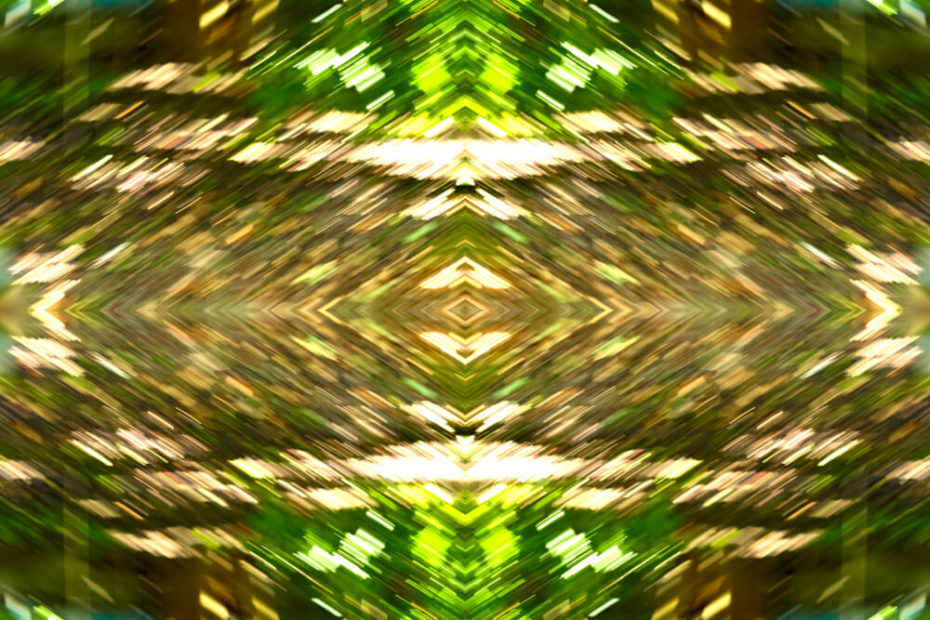
Cut Paste Photos Pro app is a powerful free photo-editing app that offers tools you can use for creating mirror photo effects.
Using the Cut Paste Photos Pro three-step editing tool, you can create the most ironic and weirdest surreal memes that will make you laugh and… Read More »Surreal Memes: What Is It And How To Make One
Get professional editing tips using the splash color feature here!
Know when your photo needs a photo caption.

Use this professional editing tool on your mobile with Cut Paste Photos Pro App. Here’s how:
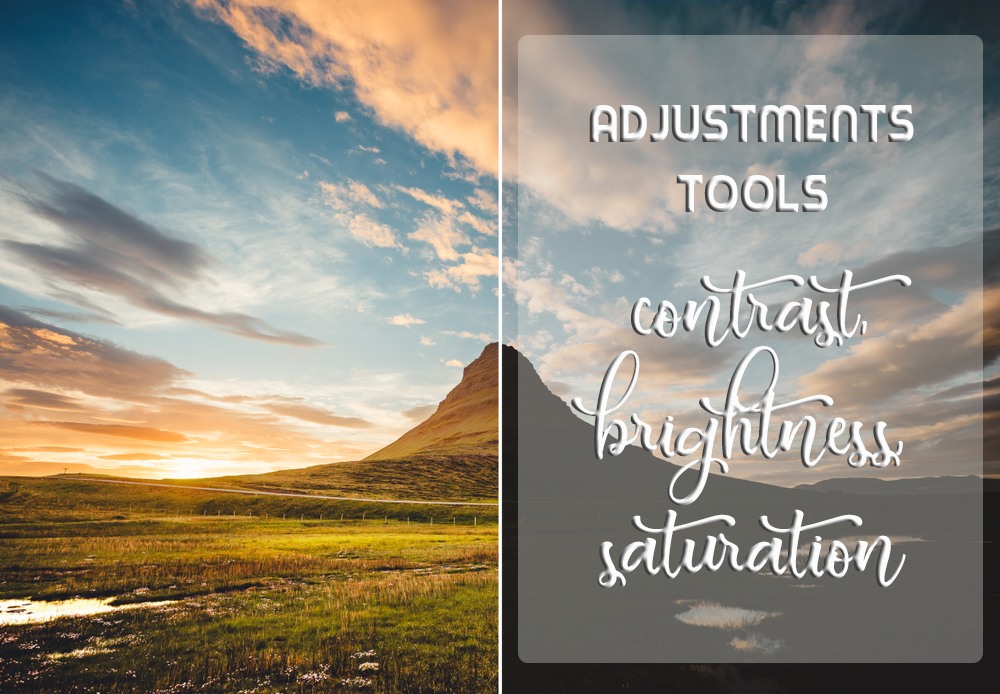
Every editing app has brightness, contrast, and saturation adjustments, but do you know how to use them? We’ve got tips to make you look like… Read More »Tips on How to Use Contrast, Brightness, and Saturation